Mozilla Firefox 148.0 Download for Windows 2026
Download Mozilla Firefox for free. Enjoy fast browsing, strong privacy protection, and powerful features. Safe, secure, and easy web browser for Windows, Mac, and mobile devices.
Screenshots
 1/4
1/4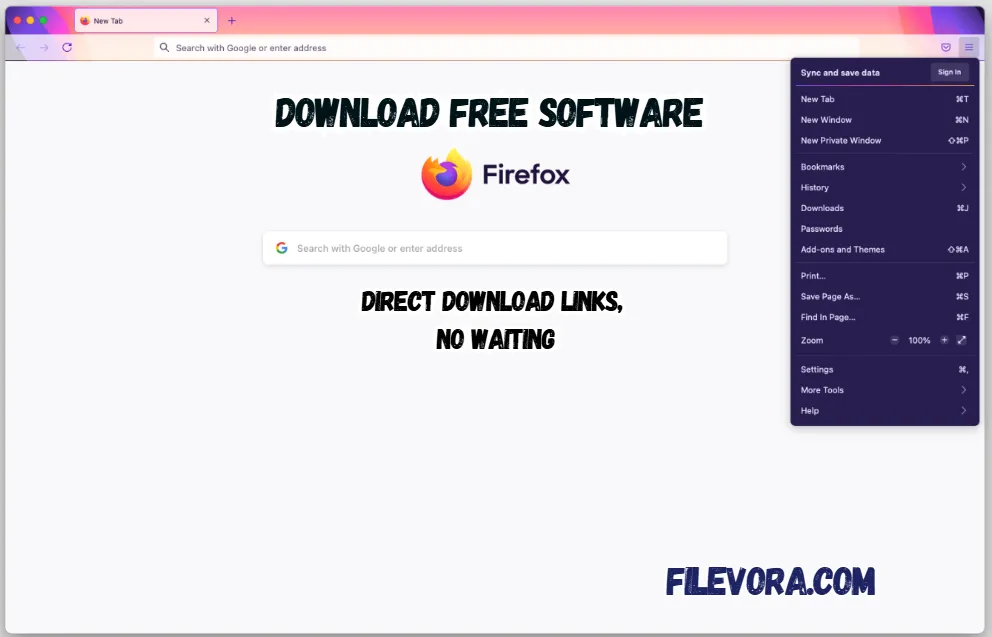 2/4
2/4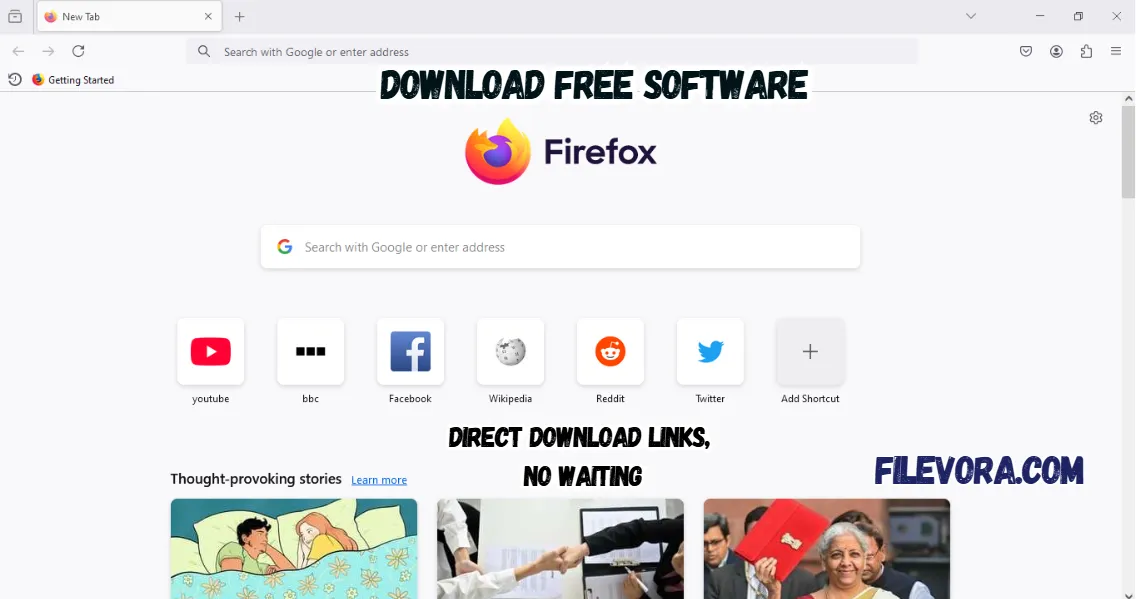 3/4
3/4 4/4
4/4Mozilla Firefox
Mozilla Firefox Free Download is a perfect web browser. It is known for fast and secure browsing. It is a useful application for millions of people around the world. You can use it to browse websites, search for anything on the whole internet, watch favorite videos, and access online services. It was developed by the Mozilla Foundation. It focuses strongly on privacy.
It offers a simple design and powerful performance. It is a lightweight application that runs on all operating systems. It also gives strong security with a billet in VPN. It is the best option for protecting personal data and blocking online trackers.
Why Mozilla Firefox Is Popular
Firefox wins favor online thanks to its stance on privacy. While certain browsers gather reams of personal details, this one builds walls around user data. Customization runs deep here - themes shift easily, toolbars adapt, preferences bend without effort. Features align not through promises but quiet function.
The big features of its popularity are a simple layout and reliability. Firefox receives regular updates. It improves speed and security.
Fast and Smooth Performance
Firefox uses a powerful engine called Quantum. This engine helps websites open faster and run smoothly. If you open many tabs at the same time. It usually stays stable and works without slowing down.
Strong Privacy Protection
It is famous for keeping your online activity private. It automatically blocks many trackers, ads, and harmful scripts. It tries to follow you on the internet. Your personal information stays safer and your browsing experience.
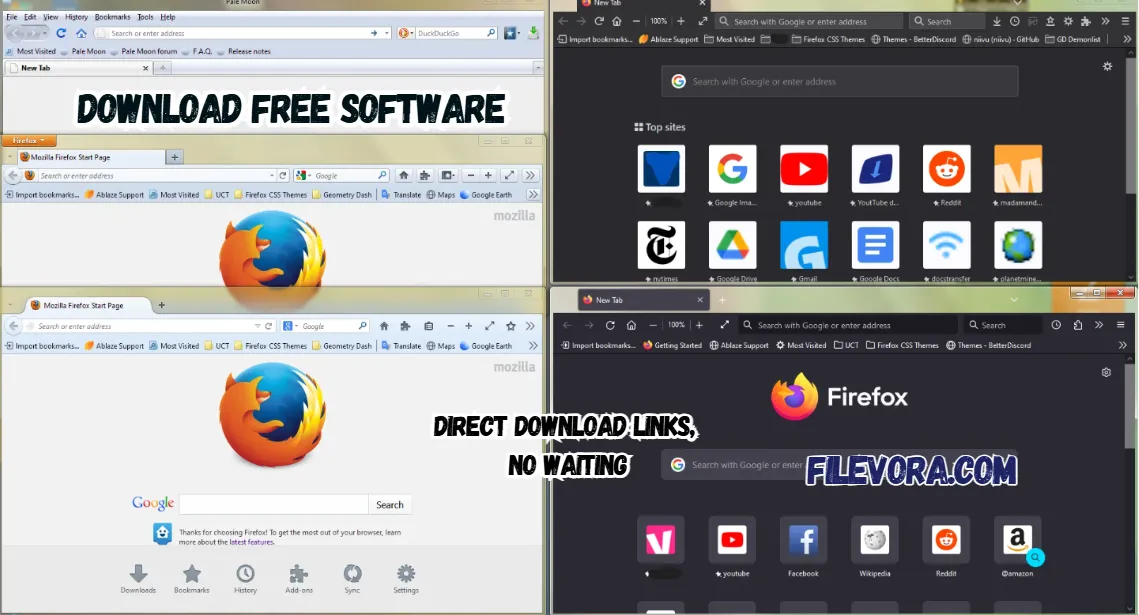
Firefox 148.0 Simple and Clean Interface
The browser has a clean and easy design. Everything like tabs, bookmarks, and settings is arranged clearly. Because of this simple layout, new users can quickly learn how to use the browser without confusion.
Large Add-on Library
It supports many add-ons and extensions. These are small tools that add extra features to the browser. You add extensions such as blocking ads, saving passwords, and downloading videos. It helps users work more easily and efficiently.
Cross-Device Sync
Firefox allows users to create an account and sync their data. It works smoothly, saves passwords, bookmarks, and browsing history. You can open tabs on almost all devices, like PC phone and tablets.
Open Source Technology Web Browser
It is a free and safe browser. It is the open-source and worldwide developers who help to improve it. It gives the open code and transparency. Firecox is the name of safe and reliable browsing.
Final Words
Fast, solid web surfing happens here. Privacy stands front and center in how it works. Simple controls meet plenty of ways to make it your own. Speed pairs with safety when you browse. Folks often find Firefox fits just right for daily web trips. It brings handy extras through its add-ons.
Pros & Cons
- Free and open source browser
- Strong privacy protection
- Fast and smooth browsing
- Supports many useful extensions
- Regular security updates
- Some websites are optimized more for Chrome
- Can use more RAM with many tabs open
System Requirements
How to Download and Use Mozilla Firefox
- 1Click the Download button.
- 2A new page appears on your screen.
- 3The download starts automatically.
- 4Open the setup file with WinRAR.
- 5Follow the screen instructions.
- 6Complete the process and open Firefox.
- 1Open Firefox on your computer.
- 2Type a website name in the search bar.
- 3Press Enter to open the website.
- 4Open new tabs to visit more websites.
- 5Click the star icon to save a page.
- 6Use the menu button to see settings and tools.
- 7Close Firefox when you finish using it.
Q1 Is Mozilla Firefox free?
It is completely free to download and use.
Q2 Is Firefox safe for browsing?
It is known for strong privacy protection and security features.
Q3 Can I use Firefox on mobile phones?
It is available for Android and iOS devices.
Q4 Does Firefox support extensions?
It supports thousands of add-ons and extensions.
Q5 Is Firefox better for privacy than other browsers?
It blocks trackers and protects user data.
No comments yet. Be the first to share your thoughts!