
ShareX Download 19.0.2 For Windows 2026
Download ShareX for Windows, a free and powerful screen capture and screen recording tool. Capture screenshots, record GIFs, edit images, and share files easily with this lightweight open-source software.
Screenshots
 1/4
1/4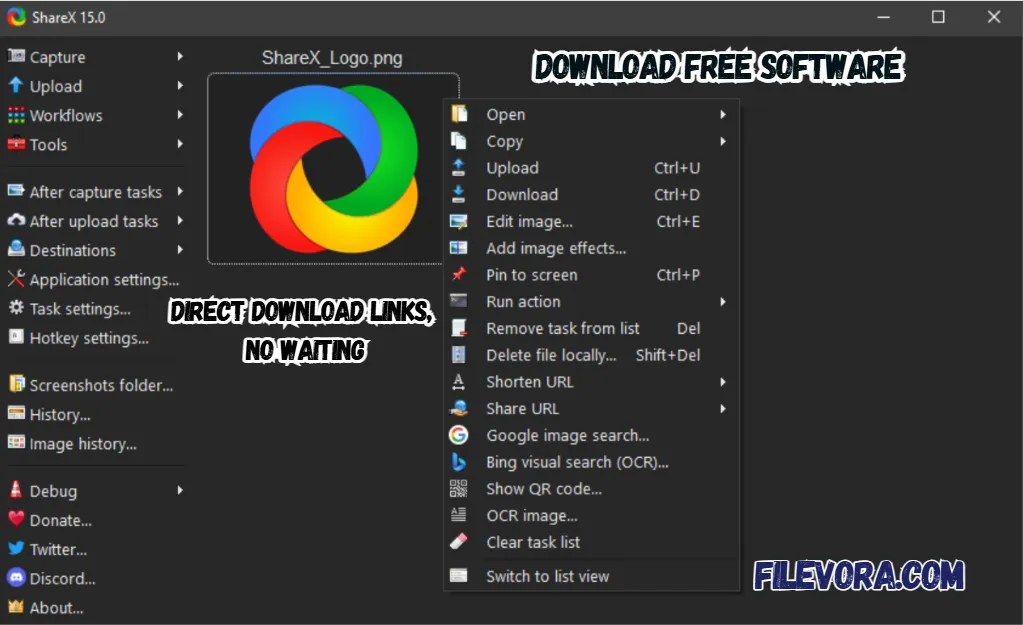 2/4
2/4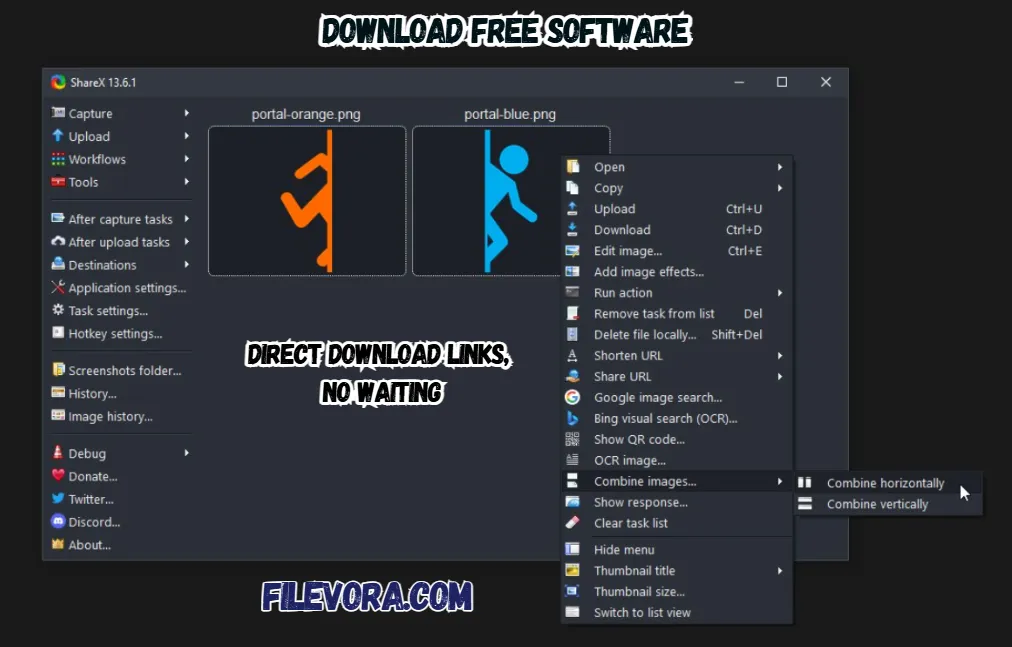 3/4
3/4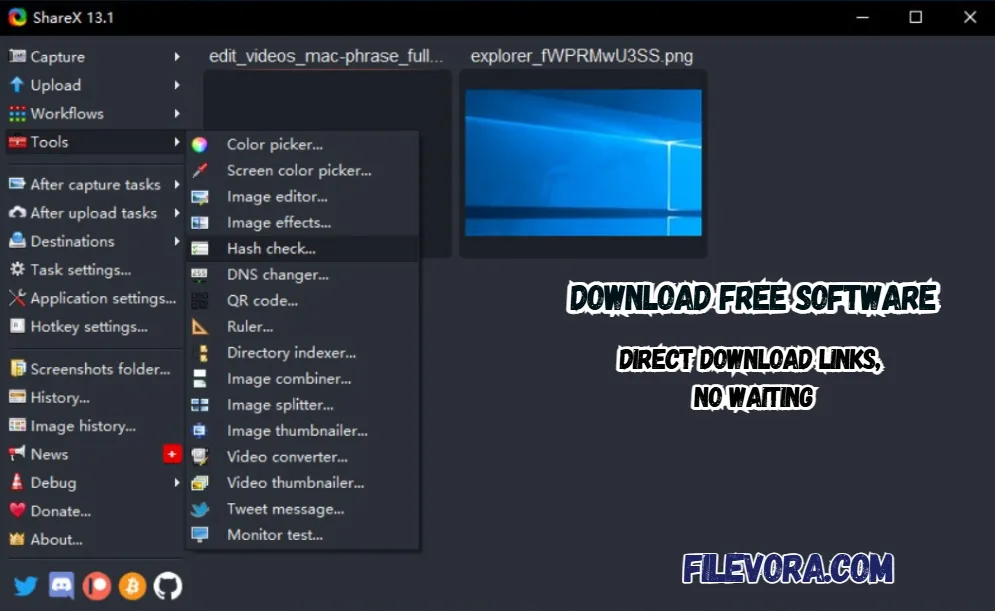 4/4
4/4ShareX Download
ShareX Download is a powerful and free screen capture tool. It is the best application to take screenshots and directly upload on the internet. It is the best tool for developers, content creators, and bloggers. It is the first choice for daily users for screen captures.
It offers many advanced features like screenshot, image editing, and automatic uploads. It is a completely free applcaition. Everyone uses it without paying.
Overview of ShareX 19.0.2
ShareX comes with a clean and simple interface. It is easy for anyone to understand. If you are a new user. You can quickly learn it and share the use of this application without any hassle. It provides a simple layout that organizes all tools and makes them easy to access.
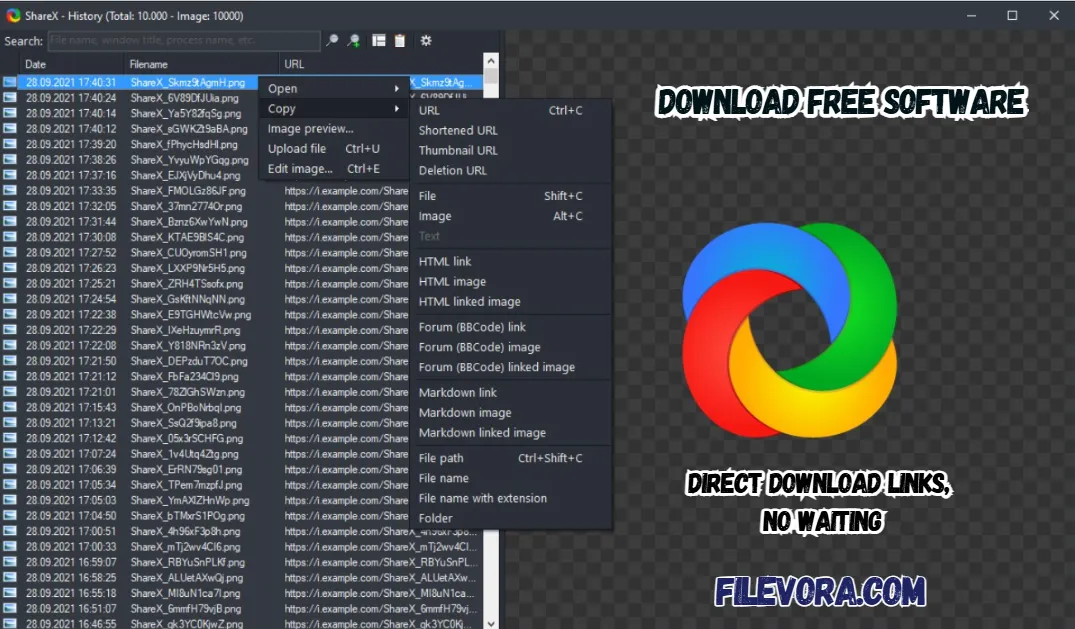
All the main options available on the left side of the application. It is the very help for screen capture, screen recording, file uploading, hotkeys, and different settings. It is clearly arranged so users can quickly perform tasks without wasting time.
Powerful Screenshot and Capture
The main reasons for ShareX popularity are its advanced screenshort abilities. It allows you to capture the full screen and a specific window. You can easily select a region of the screen. You can also record your screen activity and save it.
It also supports automatic workflows. The program can capture the screenshot and instantly upload it to a cloud service. You can also share on an online platform. It helps users save time and makes sharing content much faster.
Key Features of ShareX Free Download
- Take full screen, window, or custom region screenshots
- Record screen as a video or a GIF
- Scrolling screenshot for long webpages
- Built-in image editor and annotation tools
- Automatic upload to cloud services
- Create custom workflows and hotkeys
- OCR (text recognition from images)
- Color picker and screen ruler
- Lightweight and open-source
- Use hotkeys for faster screenshots.
- Enable automatic upload for quick sharing.
- Use the annotation tool to highlight important areas.
- Try scrolling capture for long webpages.
- Customize workflows for better productivity.
Smart Upload and Sharing System
It handles file sharing like a pro. Snap an image, transfer it straight to web platforms without delay. Once online, grab a clean URL ready for messaging coworkers, texting buddies, or posting across networks.
Picture sharing gets easier when you’re someone like a teacher or blogger trying to spread ideas fast. Creators of all kinds find it handy, especially if they work online. Think developers building tools or people making posts every week. Speed matters just as much as clarity for those showing visuals on the fly.
Built-In Tools and Custom Settings
ShareX includes several useful tools. Not only does it take screenshots, but customization of shortcuts also sits front and center. Efficiency gets a nudge forward when upload handling happens on-site. A tool that goes beyond snapping images shows up quietly, doing what needs to be done.
Final Words
It is a simple yet powerful screen capture and sharing tool for Windows. It provides everything you need to capture your screen and record activities. Share content online quickly. It is an excellent choice for anyone. Who regularly takes screenshots or records their screen.
Pros & Cons
- Completely free and open-source
- Many powerful screenshot tools
- Screen recording and GIF creation
- Fast and lightweight
- Supports automatic uploads
- Only available for Windows
- Interface may feel complex for beginners
- Some features require setup
System Requirements
How to Download and Use ShareX
- 1You can click the download button.
- 2Download the latest version.
- 3Open the downloaded setup file.
- 4Follow the installation instructions on the screen.
- 5Launch the software after installation.
- 6Set your preferred hotkeys and capture settings.
- 1Open the software on your computer.
- 2Click Capture from the main menu.
- 3Choose the capture type:
- 4Fullscreen (capture the whole screen)
- 5Window (capture a specific window)
- 6Region (select any part of the screen)
- 7You can edit and upload the screenshot.
- 8Copy the image link or save it on your computer.
Q1 Is ShareX free to use?
It is completely free and open-source.
Q2 Can ShareX record screen videos?
It can record screen videos and GIF animations.
Q3 Is ShareX safe to download?
If you download it from our website. Get the safe version.
Q4 Does ShareX work on Mac?
It is only available for Windows.
No comments yet. Be the first to share your thoughts!