OBS Studio Download 32.0.4 For Widows 2026
OBS Studio for Windows PC and start recording your screen or streaming live for free. It is a powerful and easy-to-use screen recorder and live streaming software. Get the direct download link.
Screenshots
 1/4
1/4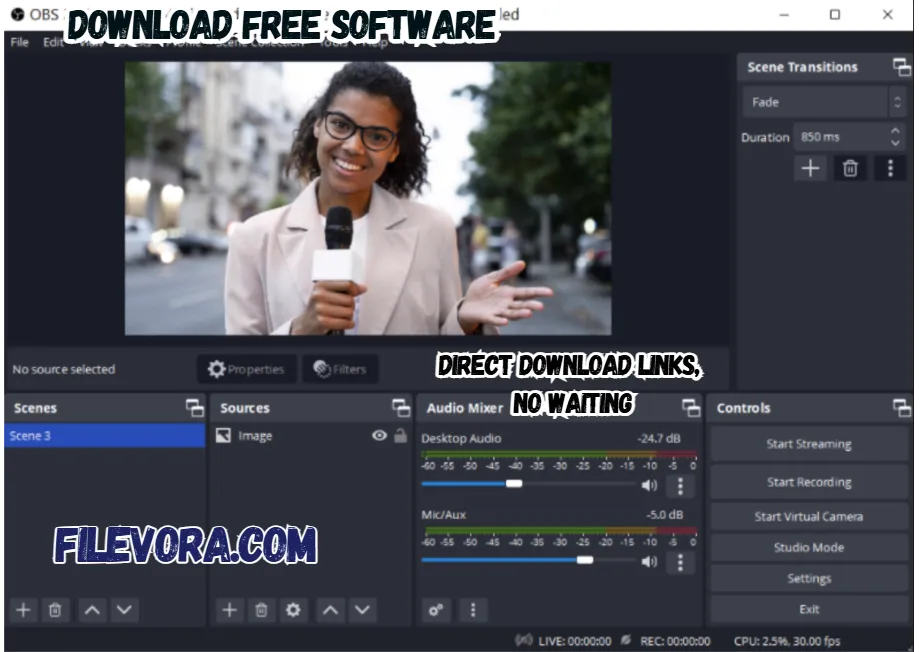 2/4
2/4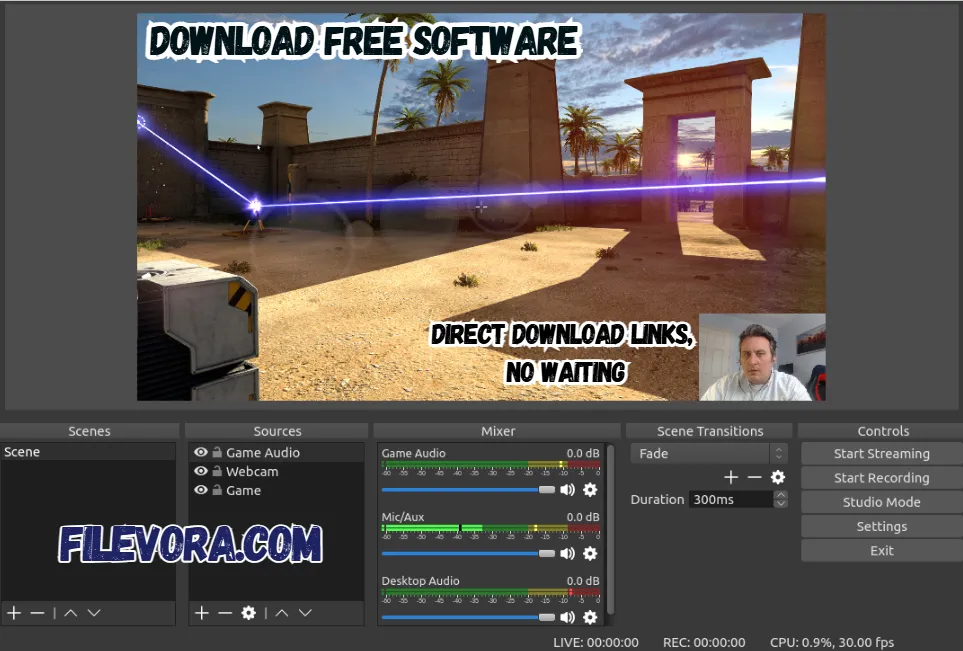 3/4
3/4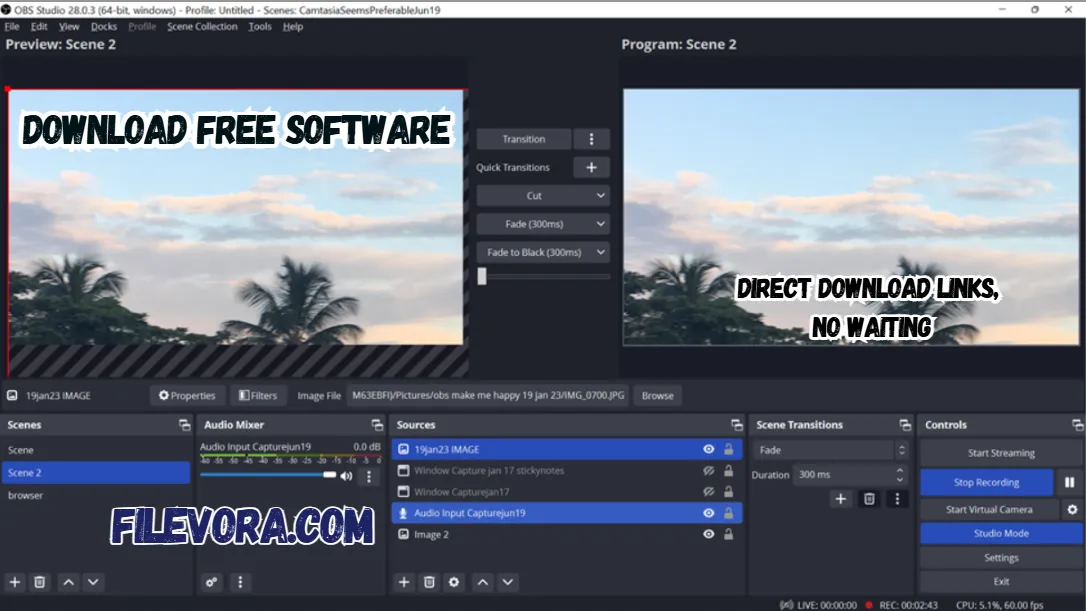 4/4
4/4OBS Studio Download
OBS Studio Download is the best application for screen recording. It is a free application and supports live streaming. It is a widely used software by gamers, YouTubers, teachers, and content creators. You can record your screen and capture gameplay. If you want to live stream on YouTube, Twitch, and Facebook. It is the best application.
OBS Studio is the best free and safe feature to use. It provides a professional tool without any cost for creating high-quality videos. It is the perfect option for live streams quickly without limits. OBS works well with all operating systems.
Easy Video Recording and Live Streaming
It is a simple application for recording video and starting the streaming. It allows you to capture the full screen and a specific window. In the modern world, some gamers use streaming to make tutorials. It is best for online classes. It provides a smooth recording without the costly software.
Multiple Sources and Scenes
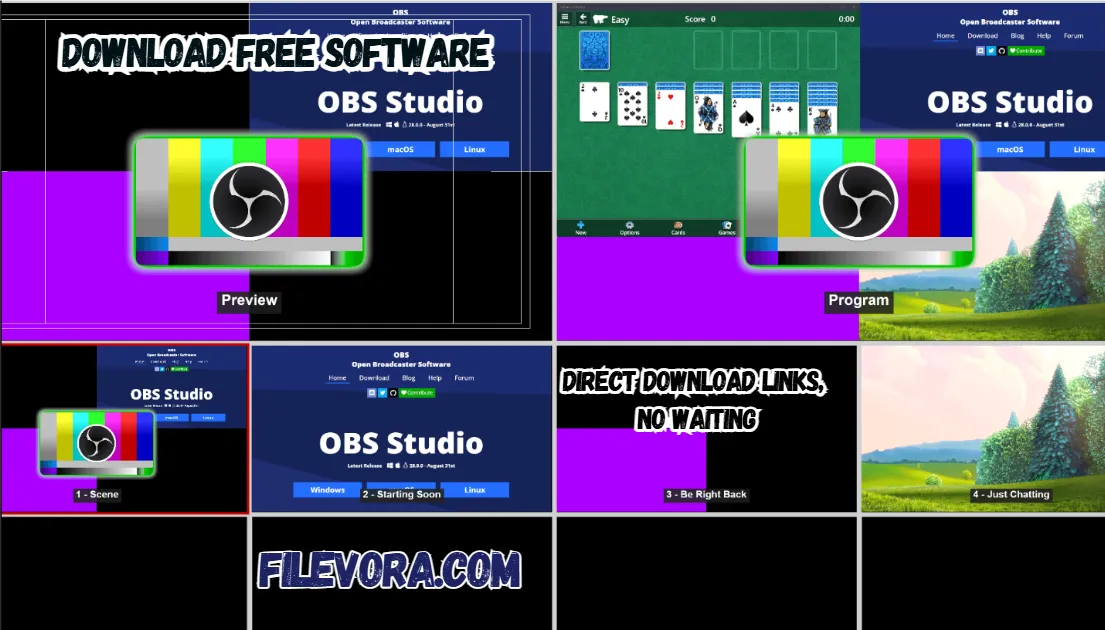
One of the best features of OBS Studio is the ability to create different scenes. Each scene can include multiple sources such as:
- Screen capture
- Webcam video
- Images or logos
- Browser windows
- Game capture
- Powerful Audio Controls
Customization and Plugin Support
It is highly customizable. It can help you to add overlays, custom layouts, and alerts. It also allows you to use third party plugins. It adds extra features like donation alerts and advanced streaming tools.
Why OBS Studio is Popular
It is the most trusted tool for recording and live streaming. OBS is an open source application and is perfect for new users. It is a bit complicated, so you need to learn before the start. It offers a professional interface with all premium layouts.
If you are looking for free software to create high-quality content. We prefer to use OBS Studio. The software also allows you to add overlays and webcam videos. It is the top choice for making the best video and stream.
Key Features of OBS Studio for Window
- Smooth live streaming support
- Record gameplay and the desktop screen
- Multiple scenes and sources
- Built-in audio mixer control
- Supports webcam and microphone
- Custom video and audio settings
- No watermark on recorded videos
- Lightweight and fast performance
- Supports plugins and extensions
- Easy scene switching while streaming
- Works on Windows, Macos, and Linux
Final Words
It is the best tools for screen recording and live streaming. It offers powerful features. It help creators produce professional videos and streams. If you are a teacher or content creator. It is a great choice for recording and broadcasting content easily.
Pros & Cons
- Completely free and open source
- Professional streaming tools
- Supports HD and 4K recording
- Works with many streaming platforms
- Highly customizable settings
- Interface may look complex for beginners
- Requires good PC performance for high-quality recording
- No built-in video editor
System Requirements
How to Download and Use OBS Studio
- 1The both version availbe for downloading.
- 2You click the download button.
- 3Download the setup file.
- 4Open the installer file with WinRAR.
- 5Run for installation and follow the installation steps.
- 1Open OBS Studio after installation.
- 2Create a new Scene.
- 3Add a Source, such as a screen capture or webcam.
- 4Adjust audio and video settings.
- 5Click Start Recording to record your screen.
- 6Use a good microphone for clear audio.
- 7Use scenes to switch between different layouts.
- 8Need a professional result record in 1080p resolution.
Q1 Is OBS Studio free?
It is a completely free application for all operating systems.
Q2 Is OBS Studio safe to use?
It is the safe version available on our website with a direct link.
Q3 Can OBS Studio record games?
Yes, it can record gameplay and live stream games easily.
Q4 Does OBS Studio work on low-end PCs?
It is easy to work on a low and old-style PC. If you want professional results, you need a stronger system.
Q5 Can I stream to YouTube using OBS?
It is the best application to stream all popular platforms.
No comments yet. Be the first to share your thoughts!