GIMP Image Editor 3.0.8 For Windows (2026)
Download GIMP Image Editor latest version for Windows PC. A powerful free photo editing software with professional tools, layers support, and advanced image editing features.
Screenshots
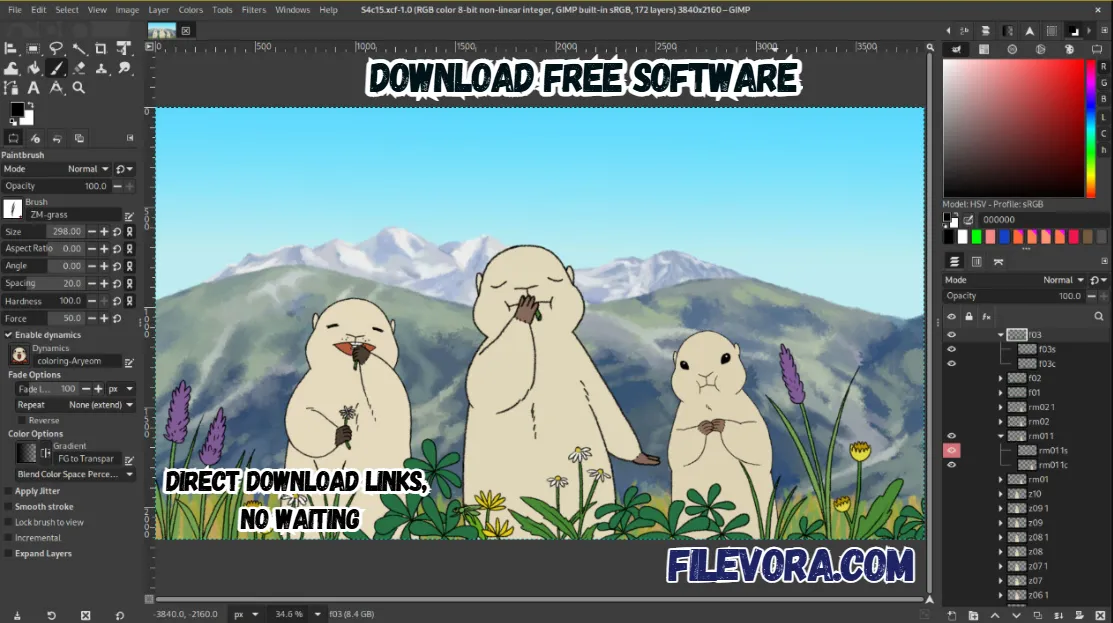 1/4
1/4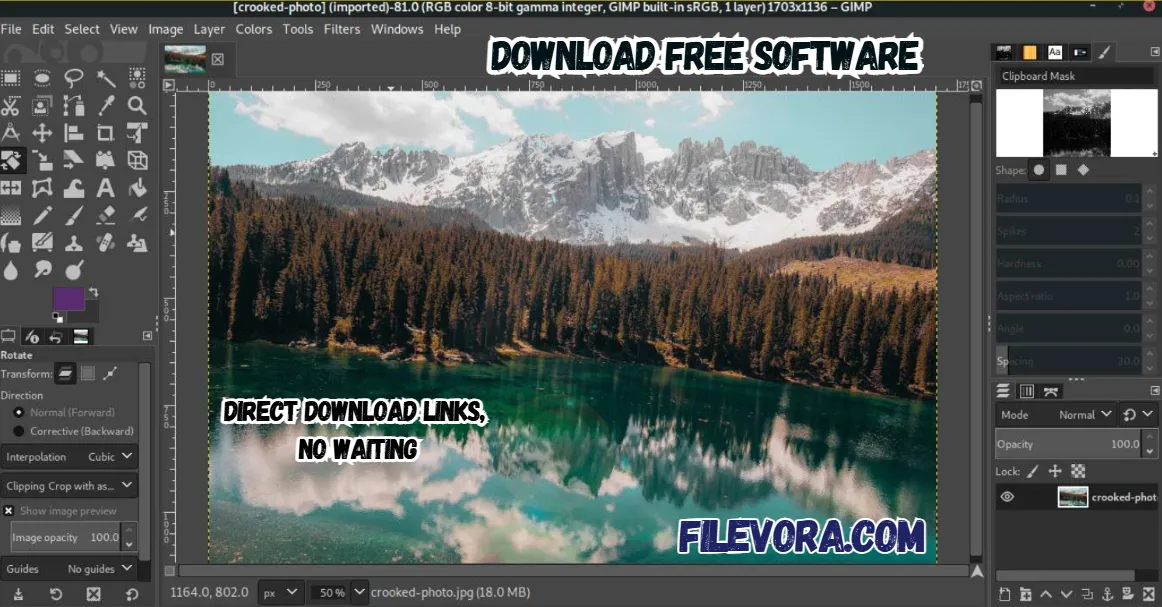 2/4
2/4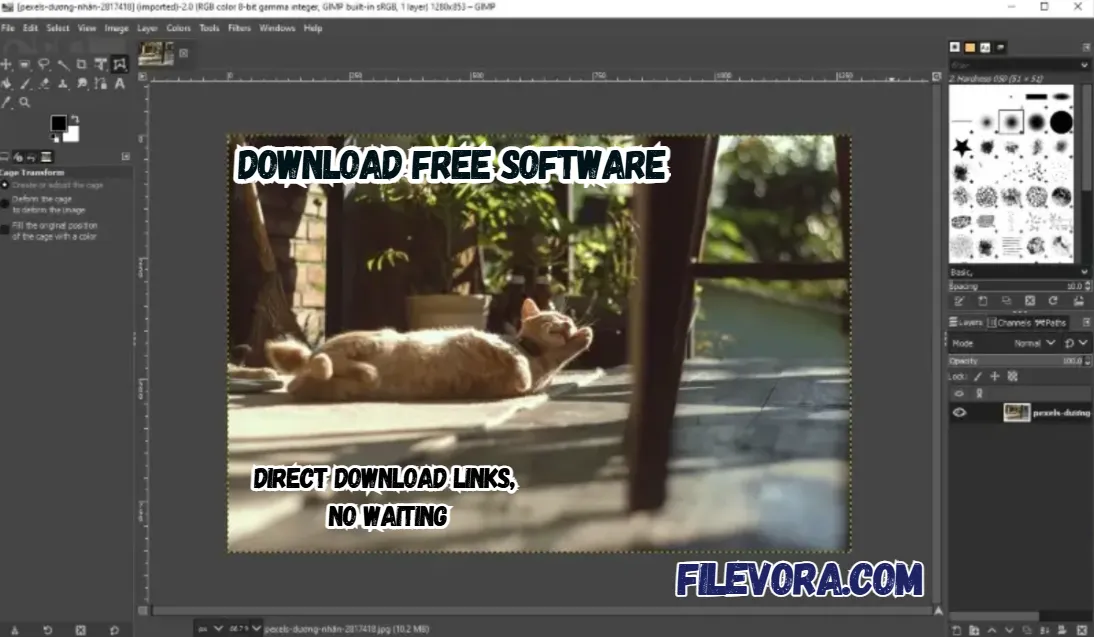 3/4
3/4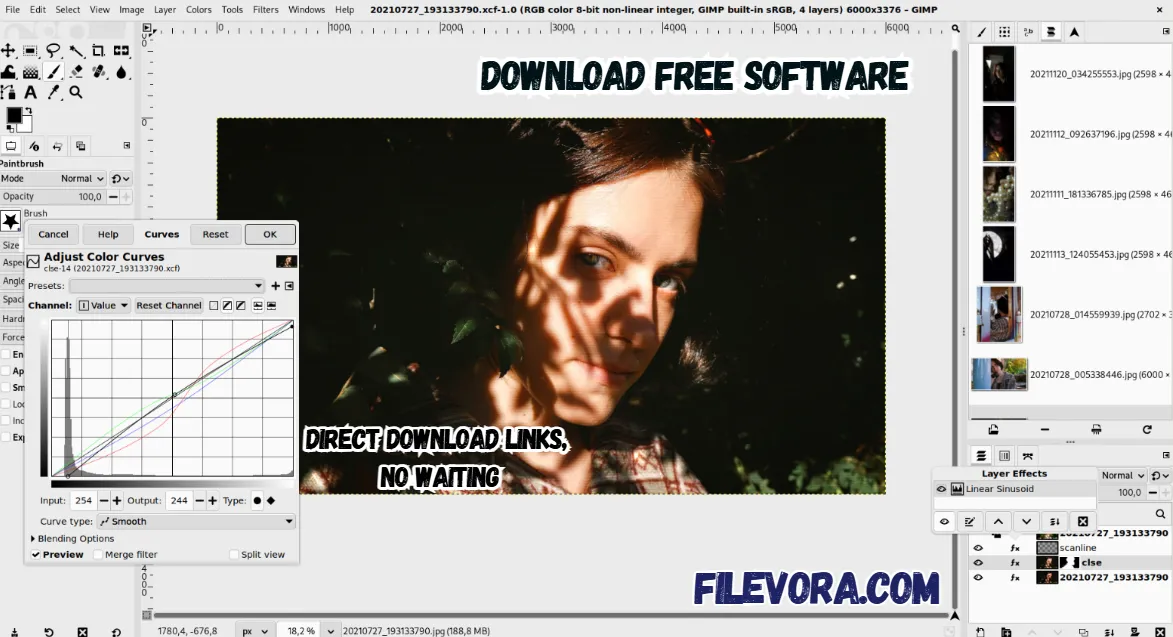 4/4
4/4GIMP Image Editor
GIMP is the best and free image editing application. It is the perfect option for all operating systems. You can use GIMP to edit photos and create new designs from scratch. It is work like the paid software CorelDRAW and Photoshop. It offers a useful tool for creating image brushes and airbrush tools.
Overview of GIMP Free Image Editor
It is a powerful and completely free photo editing software. It is very useful for new and professional designers. GIMP stands for GNU Image Manipulation Program. It can help you to create graphics desing logo and edit quality photos.
It is the best alternative to expensive software. It offers advanced editing tools without any cost. If you want to retouch photos and design social media graphics. It is the best option for creating digital artwork. It provides everything you need in one lightweight program.
Advanced Retouching Tools
Fixing flaws in pictures becomes easier with GIMP’s built-in cleanup features. One moment you’re erasing distractions, next you copy parts of an image to blend areas smoothly. Brush settings change on the fly - size, tilt, transparency - all adjustable during work. Artists often plug in graphics tablets, since the software plays well with such gear.
Why GIMP Image Editor is Popular
GIMP has become very popular. It gives professional editing features while staying free and open source. It is powerful daily image editing. The many photographers, YouTubers, bloggers, and designers.
This application simply works on all operating systems like Windows, macOS, and Linux systems. It is a flexible choice for everyone.
GIMP Image Editor Key Features
- Advanced photo editing tools
- Supports layers and masks
- Professional color correction options and paint tool
- Custom brushes and plugins support
- Background removal tools
- Image retouching and restoration
- It is supports many image formats like JPG, GIF, PNG, TIFF, BMP, PSD, PDF, and SVG
- Graphic design and logo creation tools
- Lightweight and customizable interface
- File transfer support like FTP, HTTP, SMB, and SSH protocols
Final Words
It is the best free photo editing software. It is a powerful application. It provides professional features and creative freedom without any cost. It is the perfect solution for photo editing and graphic design in 2026.
If you are a photographer, illustrator, or scientist. All the tools are available for a cost-effective application for your job. It can impve the your productivity using the GIMP.
Pros & Cons
- 100% free to use
- Professional editing tools
- Supports plugins and extensions
- Works on low-end PCs
- No subscription required
- Interface may feel complex for beginners
- Some advanced tools need learning time
- Slightly slower compared to premium editors
System Requirements
How to Download and Use GIMP Image Editor
- 1Click the download button.
- 2Download the GIMP installer file.
- 3Open the setup file after downloading with WinRAR.
- 4Click Install and wait for the installation.
- 5Launch the software after installation.
- 6Start editing your images easily.
- 1Open GIMP from your desktop or start menu
- 2Click File → Open to import an image
- 3Use tools like crop, brush, text, and color tools to edit your image
- 4Add layers to make advanced edits easily
- 5Apply filters or effects from the Filters menu
- 6Save your work by clicking File → Save As
- 7Export the image in formats like JPG or PNG when finished
Q1 Is GIMP Image Editor free?
It is completely free software.
Q2 Is GIMP good for beginners?
It can be used easily after learning basic tools.
Q3 Can GIMP open Photoshop files?
It is perfect for opening all types of files.
Q4 Can GIMP be used for professional editing?
It give the useful option for advanced photo editing for professionals.
Q5 Is GIMP safe to download?
It is safe when downloaded from our website.
No comments yet. Be the first to share your thoughts!