Topaz Photo AI 4.0.2 For Windows 2026
Download Topaz Photo AI for Windows and improve your photos with powerful AI technology. Automatically sharpen blurry images, remove noise, and upscale photos to high resolution in just a few clicks.
Screenshots
 1/4
1/4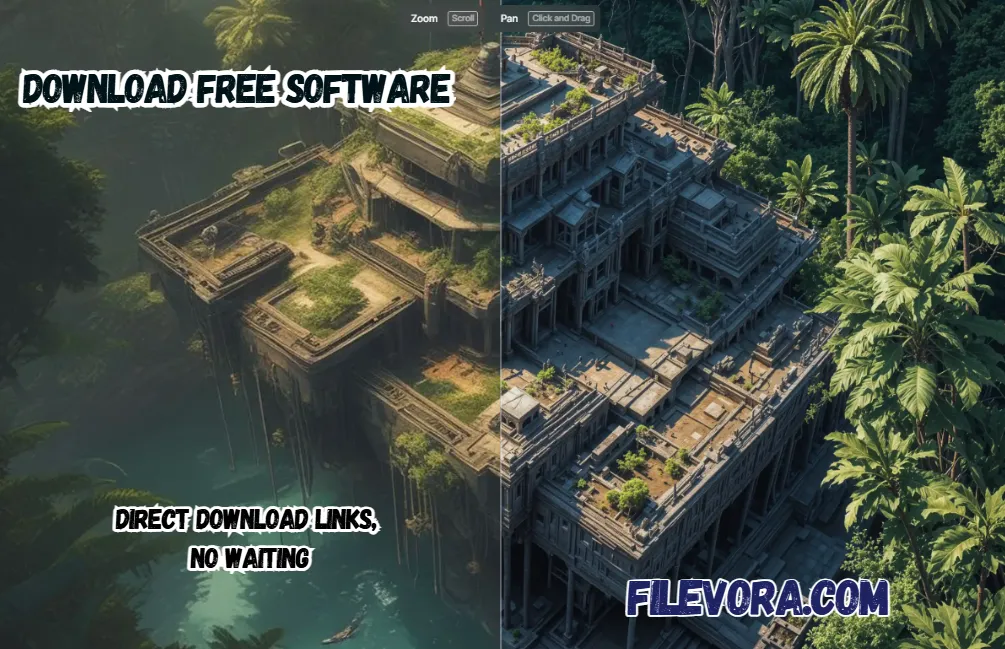 2/4
2/4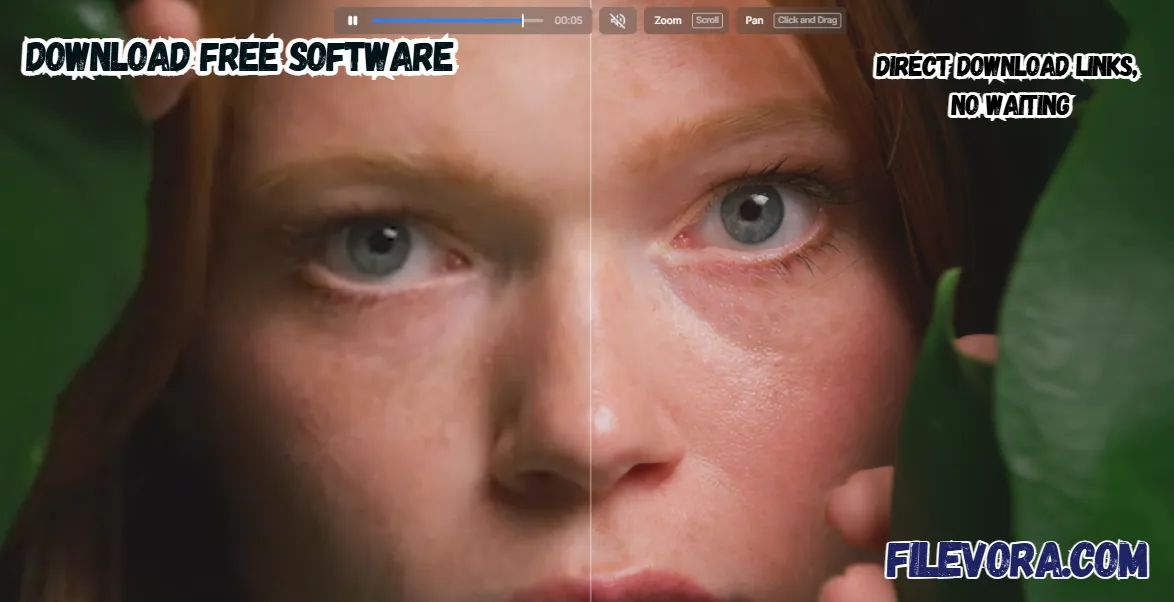 3/4
3/4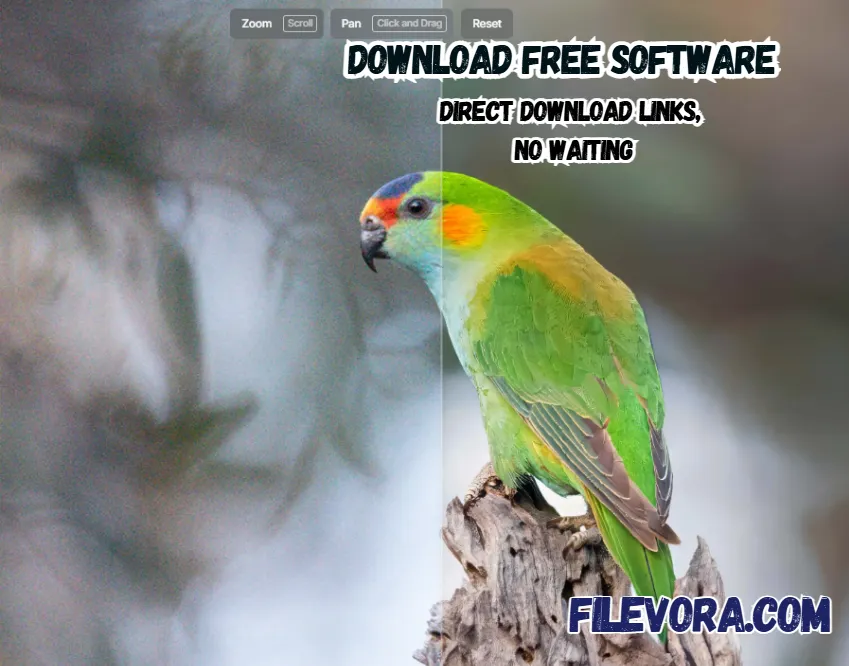 4/4
4/4Topaz Photo AI
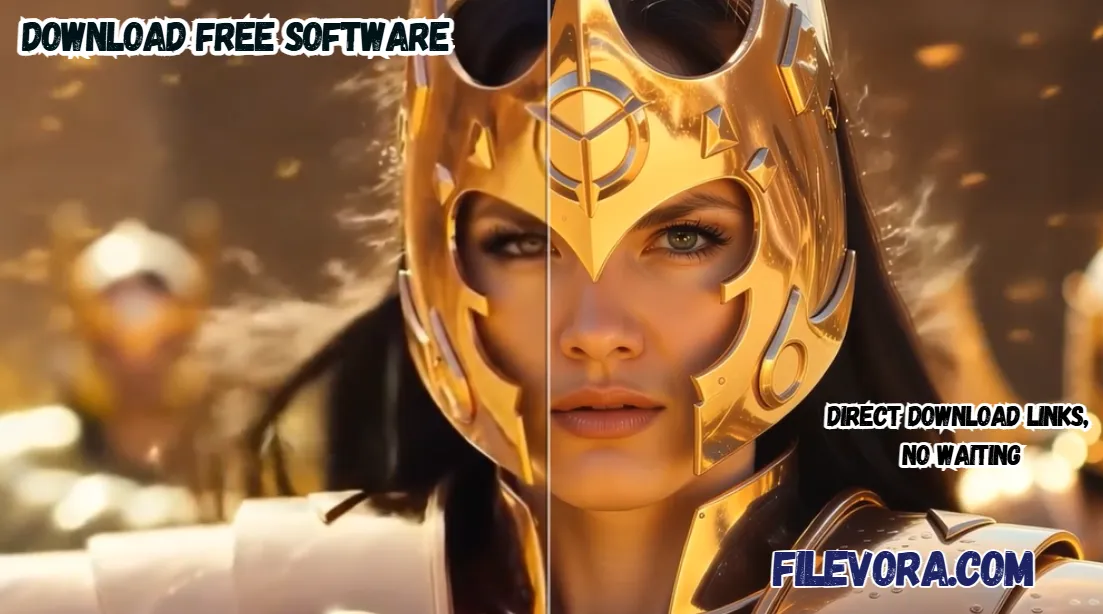
Topaz Photo AI is a powerful photo editing software. It uses smart artificial intelligence to improve your pictures quickly and easily. It helps users fix blurry photos and remove noise. It is also a perfect application to make pictures sharper in just a few clicks.
It is designed for photographers and designers. If you are beginners and want professional-quality photos without complex editing. You can try the Topaz Photo AI with smart AI technology. It can automatically detect issues in your photos and fix them.
Remove Unwanted Objects from Photos
It gives powerful features for object removal. It allows you remove unwanted objects or people from your photos. After removing the object. It can automatically fill the empty area with natural-looking results. The photo still looks clean and realistic.
It is very helpful for improving old photos that have faded colors or lost quality over time. You simply open the image. The AI tools in the side panel help you enhance it easily.
Full Control for Photo Adjustments
It allows you to manually adjust the photo settings and edit. It gives full control for exposure, contrast, color balance, saturation, and temperature. You can get the perfect look for your photos. You can customize your images with multiple editing options and make them as you want.
Key Features of Topaz Photo AI
- AI automatically improves photo quality
- Fixes blur and improves image sharpness
- Removes noise from low-light photos
- Upscales images without losing quality
- Enhances faces and portrait details
- Supports 4K video upscaling with Topaz Video tools
- Allows zooming images without losing quality
- Uses AI-powered technology to improve photo quality
- Processes multiple images at once (batch editing)
- Advanced denoise and denoising for clean photos
- Supports many image formats
- Can recover faces and enhance portraits
- Helps adjust lighting automatically
Why Use Topaz Photo AI?
It is the best option that combines several powerful tools into one program. Many people use the Multiple application fr sharpening and noise reduction. Topza photo AI gives all the useful tools in one place.
The software also works automatically. If you have little editing experience. You can improve their photos quickly. It can be developed by Topaz Labs for advanced image enhancement. It also gives powerful tools like Topaz Gigapixel, Topaz Video, and Topaz Studio.
Final Words
It is the best AI photo editing tool available today. It can automatically improve image quality to uses artificial intelligence. It helps you to restore old photos and change them into a professional look with sharper details.
It is to improve all images with a few simple steps. It is a great choice for creating clear and beautiful images. You can edit the next level image using this awesome application.
Pros & Cons
- Powerful AI photo enhancement
- Very easy to use
- High-quality image upscaling
- Works with many image formats
- Fast photo processing
- Requires a good computer for best performance
- Full version can be expensive
System Requirements
How to Download and Use Topaz Photo AI
- 1You can select the needed version x86 and x64.
- 2Click the Download button.
- 3After clicking, the download starts automatically.
- 4Wait for the download to finish.
- 5Open the downloaded setup file with WinRAR.
- 6Run for installation and follow the screen instructions.
- 7Launch the software after installation.
- 1Open the application on the desktop shortcut.
- 2Import the photo you want to improve.
- 3Let the AI automatically analyze the image.
- 4Apply the recommended enhancements.
- 5Save the improved photo.
Q1 Is Topaz Photo AI free?
It is a paid software and offer the trial version with full features.
Q2 Can beginners use Topaz Photo AI?
It gives a simple layout to understand new users.
Q3 Does Topaz Photo AI work offline?
Yes, most features work without an internet connection.
Q4 Can it fix blurry photos?
The AI features fix your blurry image and improve the quality.
Q5 Is Topaz Photo AI good for photographers?
Professional photographers use it to improve photo quality.
No comments yet. Be the first to share your thoughts!