CyberLink PhotoDirector 17.2.1512.0 For Windows 2026
Download CyberLink PhotoDirector 2026 for Windows free. Edit photos with powerful AI tools, remove backgrounds, enhance images, and create stunning visuals easily. Fast, simple, and perfect for beginners and professionals.
Screenshots
 1/4
1/4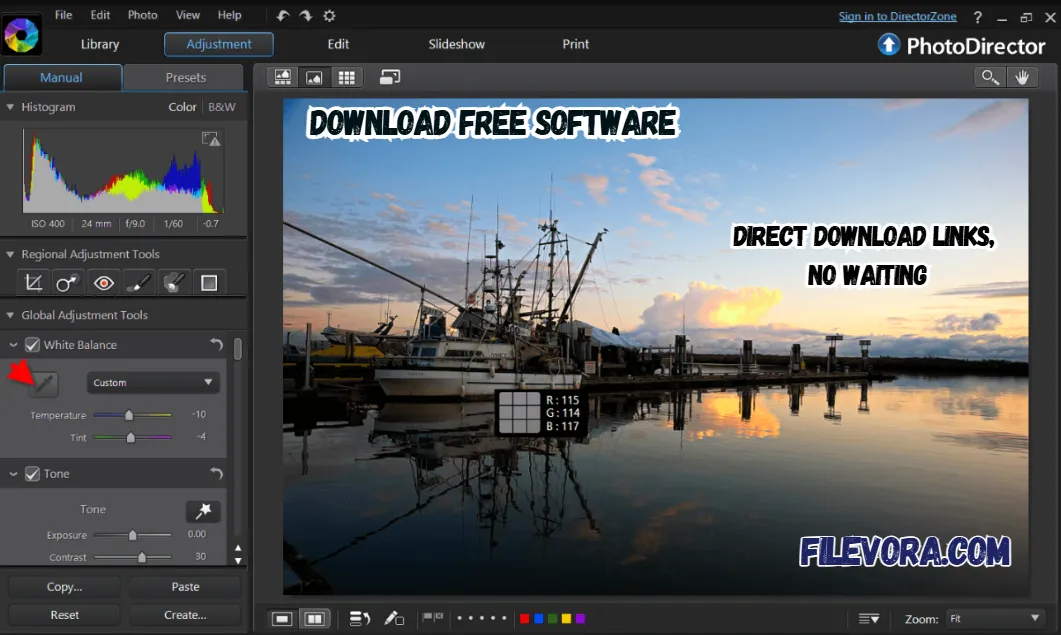 2/4
2/4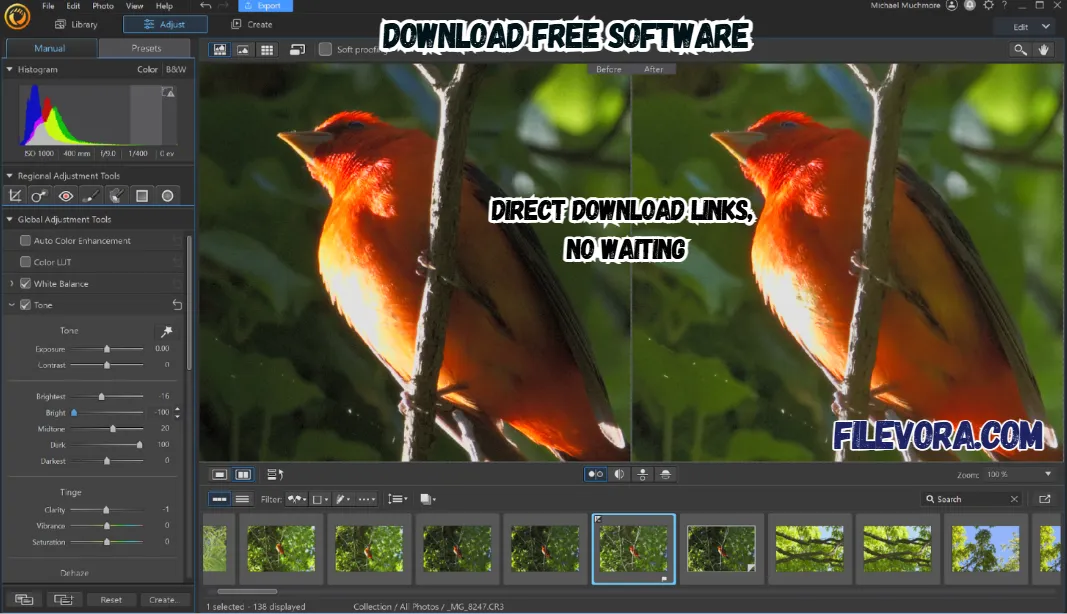 3/4
3/4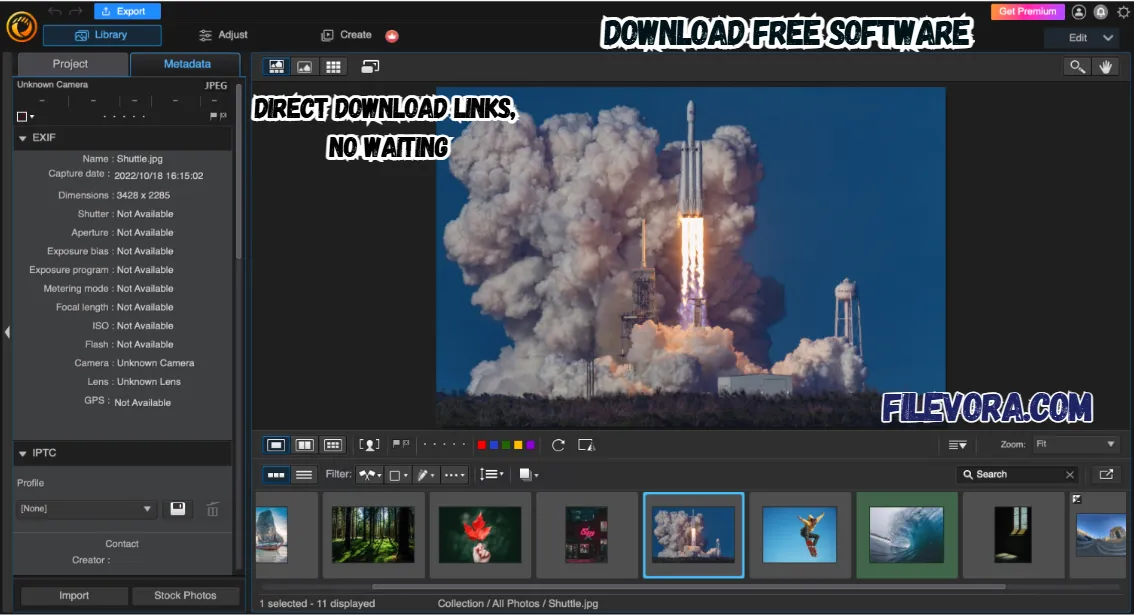 4/4
4/4CyberLink PhotoDirector
CyberLink PhotoDirector is a photo editing software. It was developed by CyberLink. It is easy to use for new users and also good for experienced users. You can quickly edit your photos by adjusting colors and brightness. It also helps you improve and organize your photos. It also helps you improve and organize your photos in a simple and smooth way.
It also includes smart AI tools like AI Image Extender and Face Swap. It helps you edit photos quickly with less effort and the Headshot Generator. If you are a new user. A simple tutorial is available to help new users learn step by step. It also supports common file formats like JPEG, PNG, and RAW. It can easily work on different images.
PhotoDirector Photo Editing
You can get a smooth and simple editing experience with PhotoDirector. It can save your time by giving all editing features like cropping, layer editing, and batch editing. You can use the already-made filters and add effects to your image. You can apply with one click, or you can customize your edits.
It is a very helpful application for organizing your photos. It is a perfect photo editor for managing projects and becomes easier. It works well on most systems and gives stable performance depending on your computer.
Free Trial and Features
It is not a free application, but the good news is that it offers a free trial. It allows you to try the premium version and all editing features. You can use advanced tools and premium content that are only available in the paid version. It also allow to export your project and images. It is the best way to test before buying.
Why Choose CyberLink PhotoDirector?
It is a perfect application for professional editing. It can complete the project without any other complex tools. It offers a simple interface for understanding all types of users. All editing tools are available on your screen, and new users quickly edit images. It also includes AI tools that save time and give amazing results.
Final Words
It is a simple and practical photo editing tool. It combines easy controls with modern AI features to help you create beautiful photos. It does not have very advanced professional tools. It is a great choice for beginners and students. Content creators get an easy and powerful editing solution.
Pros & Cons
- Easy for beginners
- Powerful AI features
- Fast performance
- Many creative tools
- Supports RAW files
- Some features require paid version
- Can be heavy on low-end PCs
System Requirements
How to Download and Use CyberLink PhotoDirector
- 1Click the download button
- 2Wait for the file to download
- 3Open the downloaded file
- 4Run the setup file
- 5Follow on-screen instructions
- 6Launch the software and start editing
- 1Open the software
- 2Click Import to add your photos
- 3Select a photo to edit
- 4Use tools like Adjust, Effects, or AI tools
- 5Change brightness, colors, or remove background
- 6Click Save or Export when done
Q1 Is CyberLink PhotoDirector free?
It has a free version. Some advanced features are paid.
Q2 Can beginners use this software?
It is very easy and beginner-friendly.
Q3 Does it support RAW images?
Yes, it supports RAW photo editing.
Q4 Is it good for professional editing?
Yes, it has many advanced tools for professionals.
Q5 Can I remove background easily?
Yes, it has one-click AI background removal.


No comments yet. Be the first to share your thoughts!