Freemake Video Converter 5.0.0.36 For Windows 2026
Download Freemake Video Converter for Windows with direct download links. Convert videos to MP4, AVI, MPEG, and more, support Blu-ray, Android, iPad, and online video downloader. Fast, free, and easy to use.
Screenshots
 1/4
1/4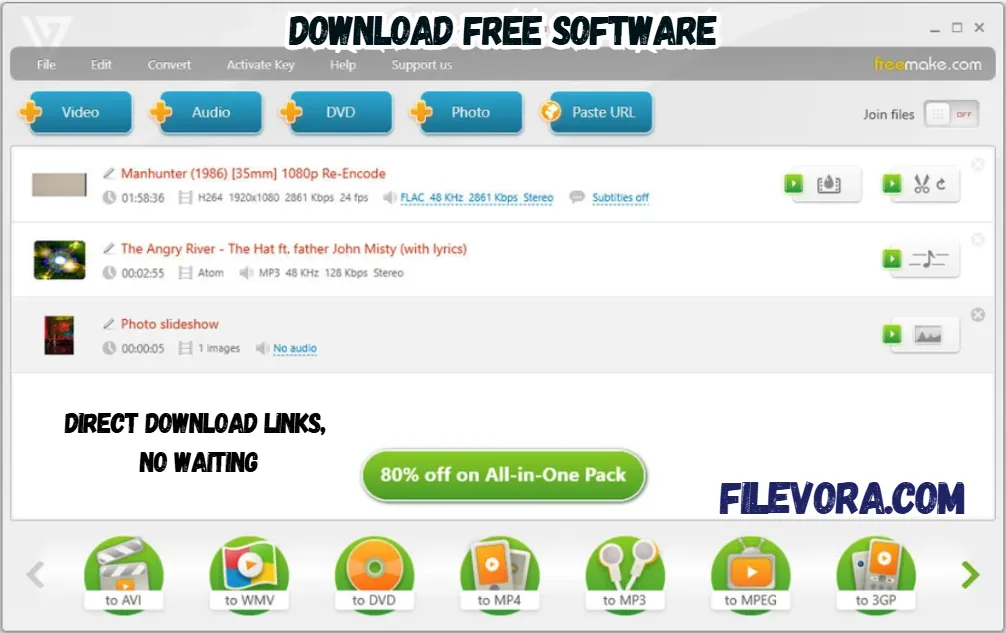 2/4
2/4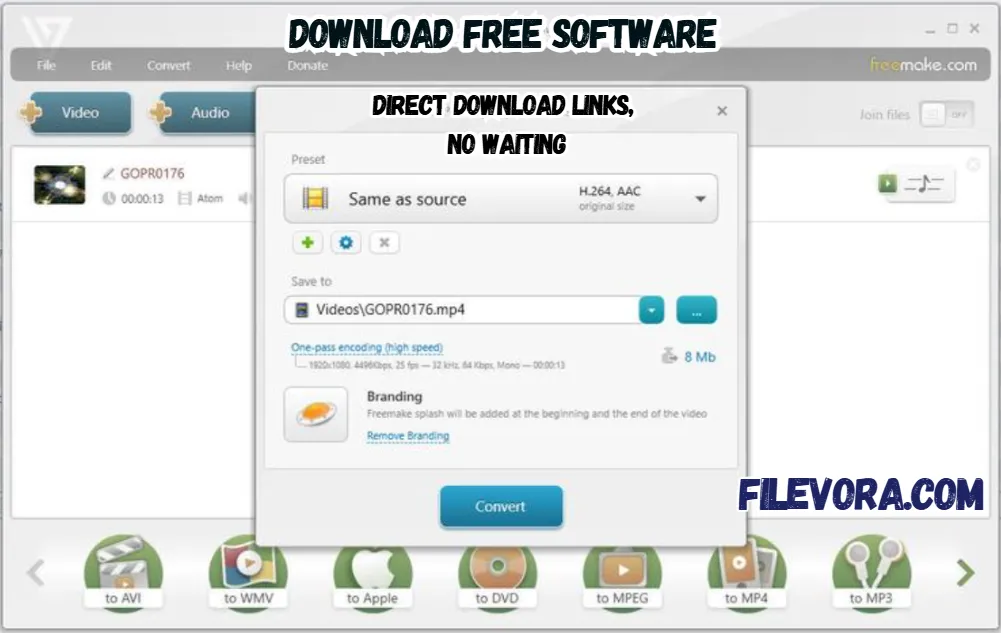 3/4
3/4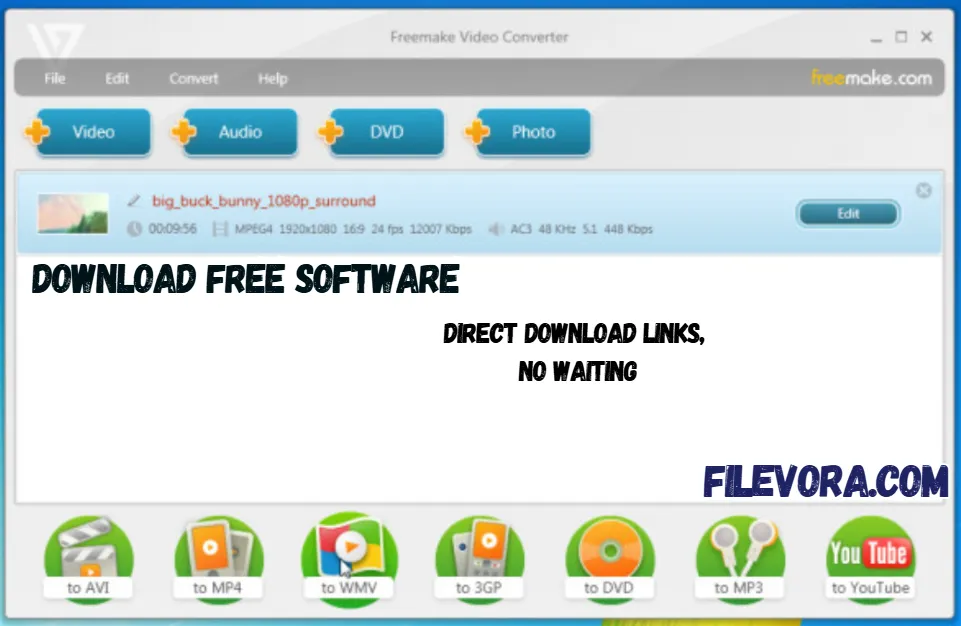 4/4
4/4Freemake Video Converter
Freemake Video Converter is the best application for video conversion in the modern world for Windows. It can suport your and allow you change the format. It is the perfect application to convert video, audio, and image files. It can provide the 500-plus format, and some are the latest, like MP4, AVI, MKV, WMV, MP3, DVD, 3GP, FLV, and MOV.
It helps you to convert video files and change the video format. It gives a simple layout. If you are new or do not have any technical skills. You can easily convert video to your favorite format.
Convert Videos for Any Device
It is the perfect video converter specially for different devices. It can easily switch films or short videos so they play on PlayStation, Xbox, Samsung, Nokia, or even older BlackBerry models. This handles it fast. Music ready for MP3 gadgets gets sorted just as quickly. Smooth playback across devices comes down to a correct setup - no glitches when done right.
Upload Videos Directly to YouTube
From your desktop, uploading straight to YouTube becomes quick and smooth. Sharing clips? Done in seconds, no delays. A download tool sits right inside the app, ready when you are. Save videos to your system without effort. You can keep everything flowing without switching tasks.
Main Features of Freemake Video Converter for Windows
- Convert videos to 500+ formats
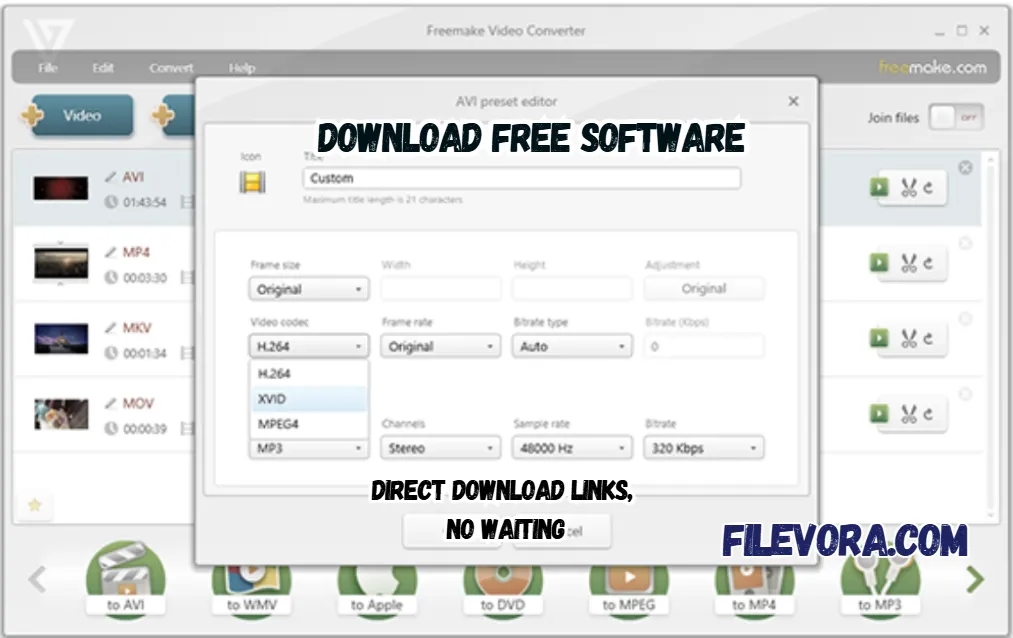
- Convert videos to MP4, AVI, MKV, WMV, MPEG, SWF, 3GP, and more
- Convert videos for YouTube and other platforms
- Free software for audio converter
- Works with iPad, iPod, and Android videos
- Burn videos to DVD
- Rip DVDs to digital formats
- Convert media for PSP devices
- Supports Blu-ray video conversion
- Download online videos using a URL downloader
- Basic video editing (cut, join, rotate)
- Add subtitles to videos
- Create photo slideshows with music
Easy to Use with a Friendly Interface
It give the clean interface and simple design. All tools are clearly organized. You can use it without any technical knowledge. You can quickly choose the format you want and start converting your files.
Final Words
It is a simple and useful video conversion software. It supports many formats and offers basic editing tools. It is also best for DVD burning. If you want an easy and reliable video converter in 2026. It is a good choice. It is especially perfect for beginners who want fast and simple video conversions without complicated settings.
Pros & Cons
- Easy to use
- Supports many formats
- Built-in DVD burning
- Basic editing tools included
- Free version available
- Free version may add watermark
- Some advanced features require premium version
- Windows only (no Mac version)
System Requirements
How to Download and Use Freemake Video Converter
- 1The downloading section is available on the top page.
- 2Click the Download button.
- 3Wait for the setup file to download.
- 4Open the downloaded .exe setup file.
- 5Follow the installation instructions.
- 6After installation.
- 7The software will be ready to use on your computer.
- 1Open the software.
- 2Click on “+ Video” to add your video file.
- 3Choose the output format (like MP4 or AVI).
- 4Select output quality and folder.
- 5Click “Convert”.
Q1 Is Freemake Video Converter free?
It is a free version available and some features are paid.
Q2 Does it add a watermark?
The free version may add a watermark to videos.
Q3 Can I convert videos to MP4?
Yes, MP4 is fully supported.
Q4 Can I burn DVDs?
You can burn videos to DVD directly.
No comments yet. Be the first to share your thoughts!