7-Zip Download 26.00 For Windows 2026
Download 7-Zip for Windows latest version 2026. A free, powerful file compression tool that supports ZIP, RAR, and 7Z formats with high compression and strong encryption. Fast, lightweight, and 100% safe to use.
Screenshots
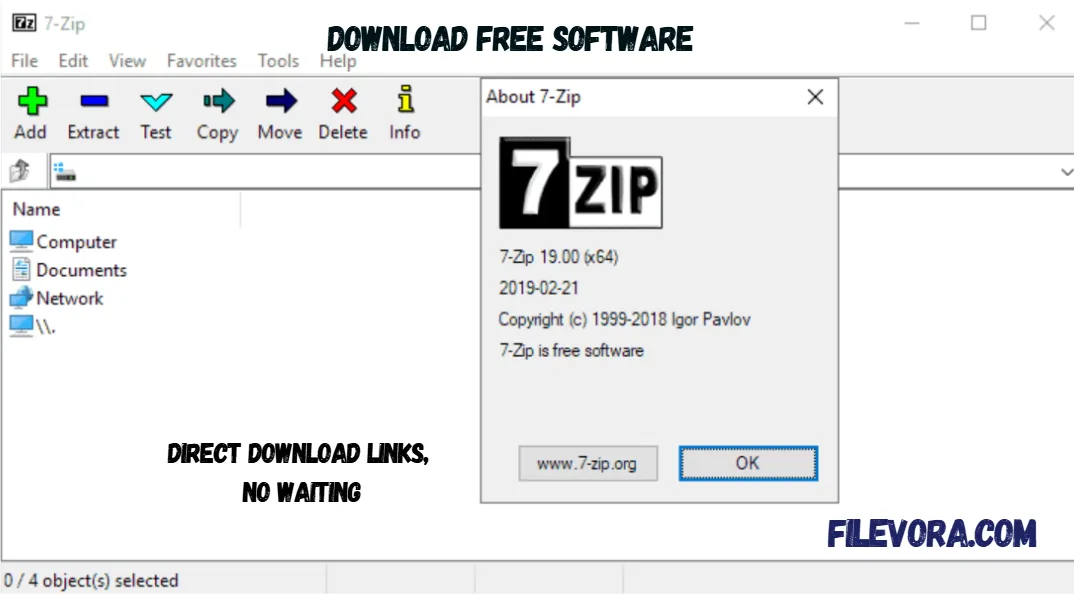 1/4
1/4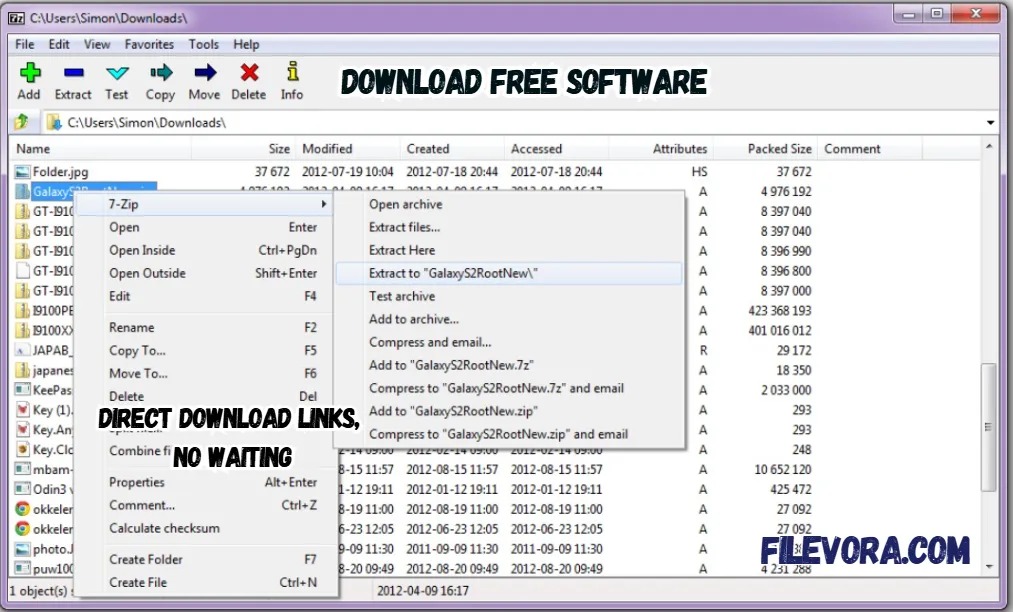 2/4
2/4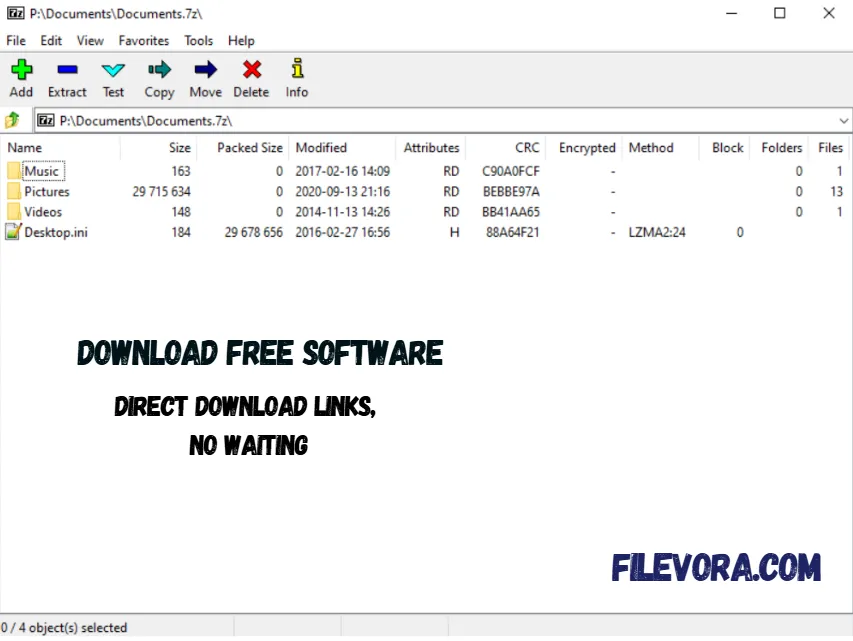 3/4
3/4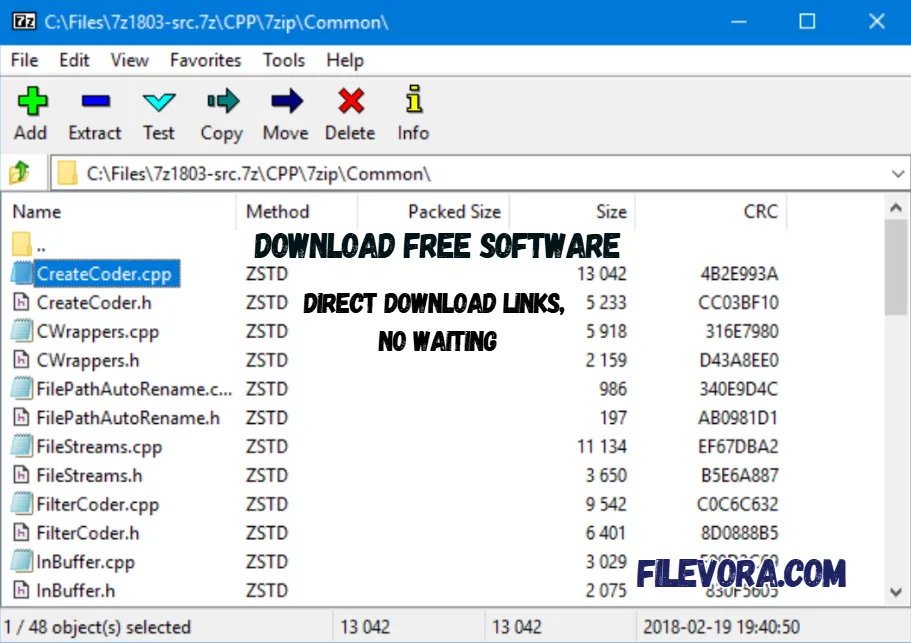 4/4
4/47-Zip Download
7-Zip Download is a powerful file compression tool. Small files take up less room on your device. Because of compression, big ones shrink without losing how they first looked. When packed into a single bundle, moving them around becomes simpler. It can be easily shared or stored.
It is the high compression ratio paired with an uncomplicated layout. Security gets a boost through AES-256 encryption support. A password locks down your files safely.
General Information About 7-Zip
It is a free software that has been trusted by users for many years. It is well known for its fast performance and strong compression technology. It is lightweight and optimized. It runs smoothly on different operating systems including Windows and Linux.
Key Features of 7-Zip
- Very high compression ratio using 7z format
- Supports many formats like ZIP, RAR, TAR, ISO, GZ, and more
- Fast file extraction and compression
- AES-256 encryption for secure archives
- Integration with Windows Explorer
- Simple and easy-to-use interface
- Works on both x86 and x64 Windows systems
File Formats Supported for Extraction
It is the ability to unpack more than just its own archive type. From RAR to ISO, CAB to MSI, it reads a broad range of file containers. Even disk image formats like DMG, VHD, and WIM are within reach.
Formats tied to specific systems, RPM, Dmg, and EXT, pose no problem either. You often won’t require additional programs. This flexibility means fewer apps cluttering your system for similar jobs.
Creating Archives with 7-Zip
Just head to a file or folder, then click the mouse button to reveal options. Pick 7-Zip from that list to begin. Once selected, stuff files into a compressed bundle without hassle. Open up existing bundles to peek inside whenever needed. It allows users to add password protection for security and split archives into smaller parts.
Supported File Formats
Compression formats
- 7z
- ZIP
- GZIP
- TAR
- WIM
Extraction formats
- RAR
- ZIP
- ISO
- ARJ
- CAB
- LZH
- DMG
- MSI
Why Use 7-Zip?
There are many reasons why people prefer 7-Zip. It offers better compression than many other tools. It helps you to make files smaller and easier to share. It is very lightweight. It runs smoothly even on older computers.
Final Words
It is the best free compression tool available for Windows. It is lightweight and supports many archive formats. If you want to compress large files and extract archives. It can secure your files with a password. It is a reliable solution.
Pros & Cons
- Completely free and open source
- High compression ratio
- Supports many file formats
- Fast and lightweight
- Secure encryption support
- Interface looks simple and old
- Does not compress RAR format
System Requirements
How to Download and Use 7-Zip
- 1Click the Download button.
- 2Wait for the setup file to download.
- 3Open the downloaded file.
- 4Click Install and wait for the installation.
- 5Once finished, you can start using 7-Zip.
- 6The whole process takes less than one minute.
- 1It is very simple.
- 2To compress files
- 3Right-click on the file or folder.
- 4Click 7-Zip.
- 5Select Add to archive.
- 6Choose format and compression level.
- 7Click OK.
- 8To extract files
- 9Right-click on the archive file.
- 10Click 7-Zip.
- 11Select Extract Here or Extract Files.
- 12Your files will be extracted instantly.
Q1 Is 7-Zip free?
It is completely free and open-source software.
Q2 Can 7-Zip open RAR files?
Yes. 7-Zip can extract RAR files, but it cannot create them.
Q3 Is 7-Zip safe to use?
It is a trusted and secure compression tool used by millions of people.
Q4 Does 7-Zip support Windows 11?
It works perfectly on Windows 11 and older versions of Windows.
No comments yet. Be the first to share your thoughts!